myPet

myPet uses Firebase real time database as backend. Implementing MVVC pattern and listening to the database with Livedata and sends the response through the repository and viewmodel out to the observer in the UI part of the app. This type of layered architecture makes it easy to switch backend and separates the responsibility to different layers of the application.
Custom login flow
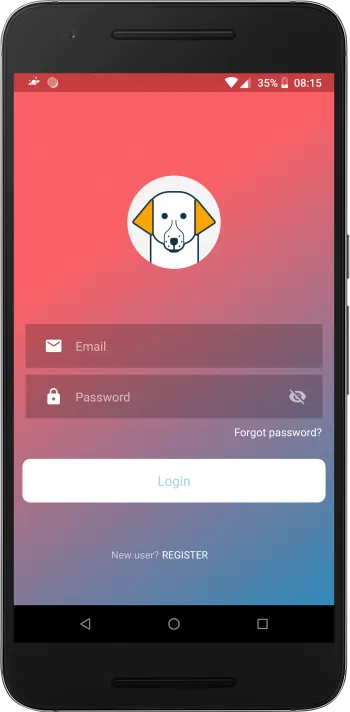
Instead of using firebase default UI for login, I decided to make my own. It includes Register new user, login, password retrieval, alphanumeric password check and email validation. Firebase takes care of the rest, such as user authentication. Once logged in you add you pets credentials and image, which are stored on Firebase realtime database and Firebase storage.
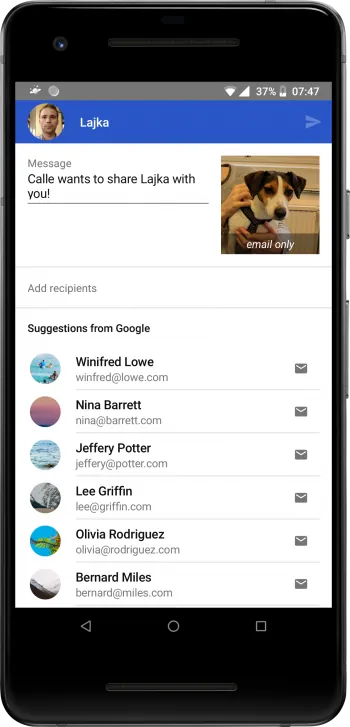
The share function uses Firebase-deeplink and Firebase-invite to access your contacts, send them a mail that links to the app, and once installed lets them access the pet from Firebase. This is possible because deeplinks persist through the installation process and access the link once the app is installed. When sharing a pet, you only give permission to read and not to write.